Case Design
In a previous step, we finished this beautiful PCB and prepared everything for manufacturing, but what do we do with the surplus time we have during the manufacturing process? Hmm. How about we design and build an enclosure for the PCB to make the whole project more functional and complete.
In this video, we'll see how we can use the 3D file that's generated by KiCad as a reference to build a custom enclosure that fits perfectly. Along with that, we'll also look into choosing the right 3D modeling software and some of the basics of mechanical CAD applications.
Let's start with getting this 3D model out of KiCad so we can use it as a reference. But if your PCB isn't complete and is missing some components on the 3D model, we have a video explaining how to fix that as well, So make sure to check this link
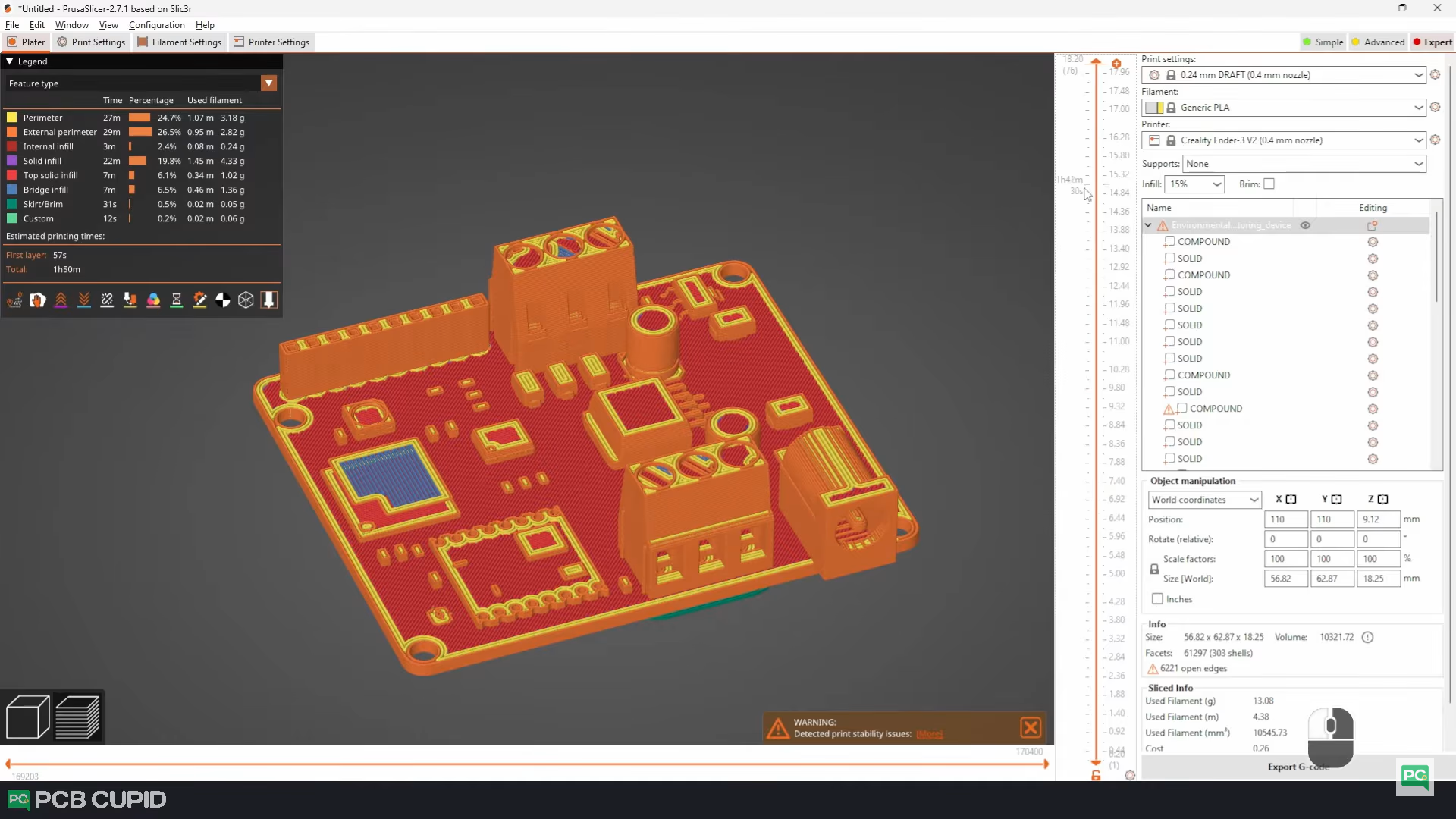
Exporting STL File from KiCad
Exporting this PCB as a 3D file is pretty easy. Go to the PCB layout editor, click on File → Export, and select the STEP file. On the pop-up, make sure to click on these checkboxes, select a path where you want the STEP file to be generated, and then just click on export. It should just take a couple of seconds to load all the 3D files into a single STEP file. Once it’s done, the file will be moved to the destination location we selected.
Difference Between MESH vs PARAMETRIC
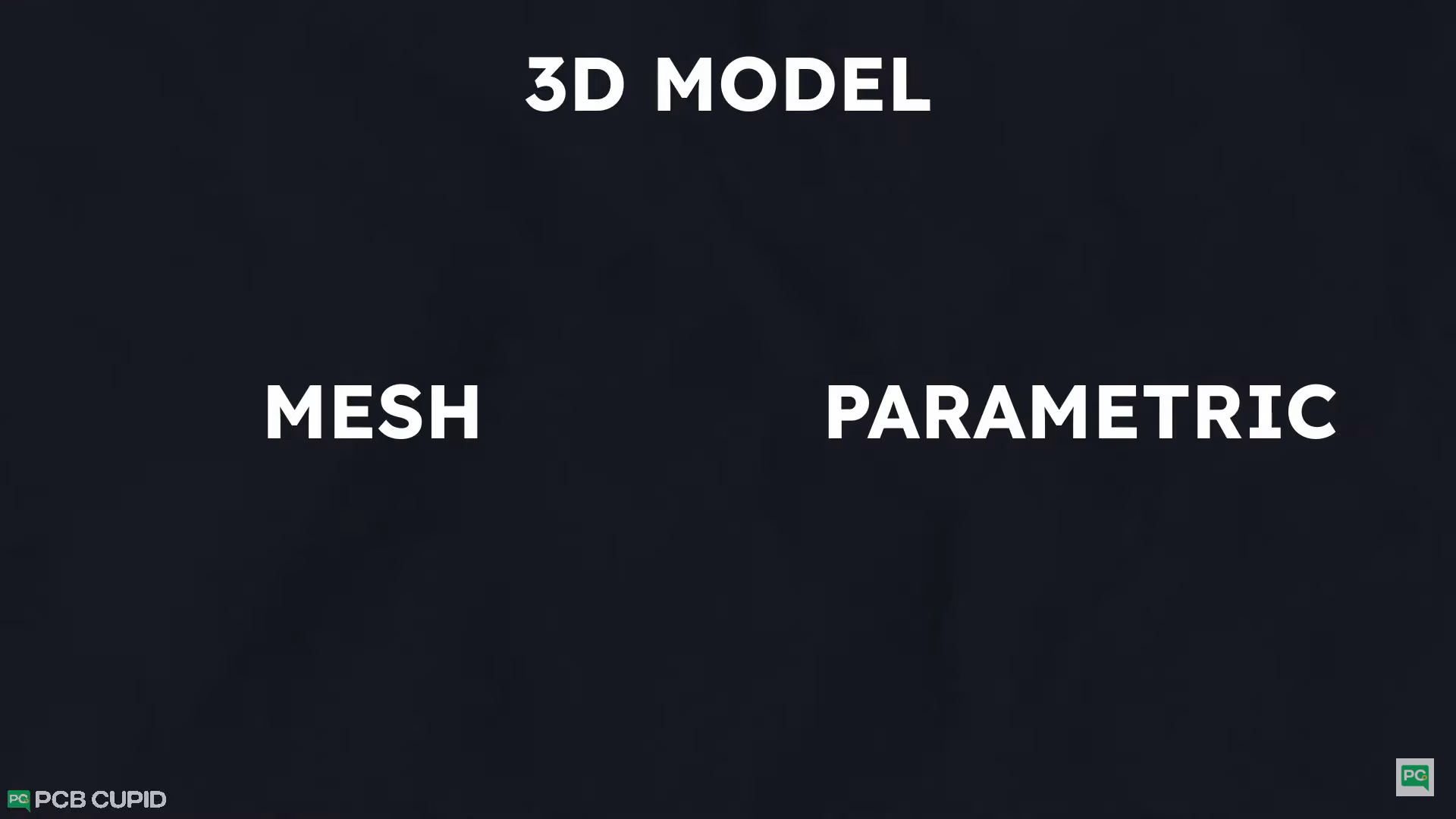
First, if it's a mesh-based or parametric-based modeling tool.
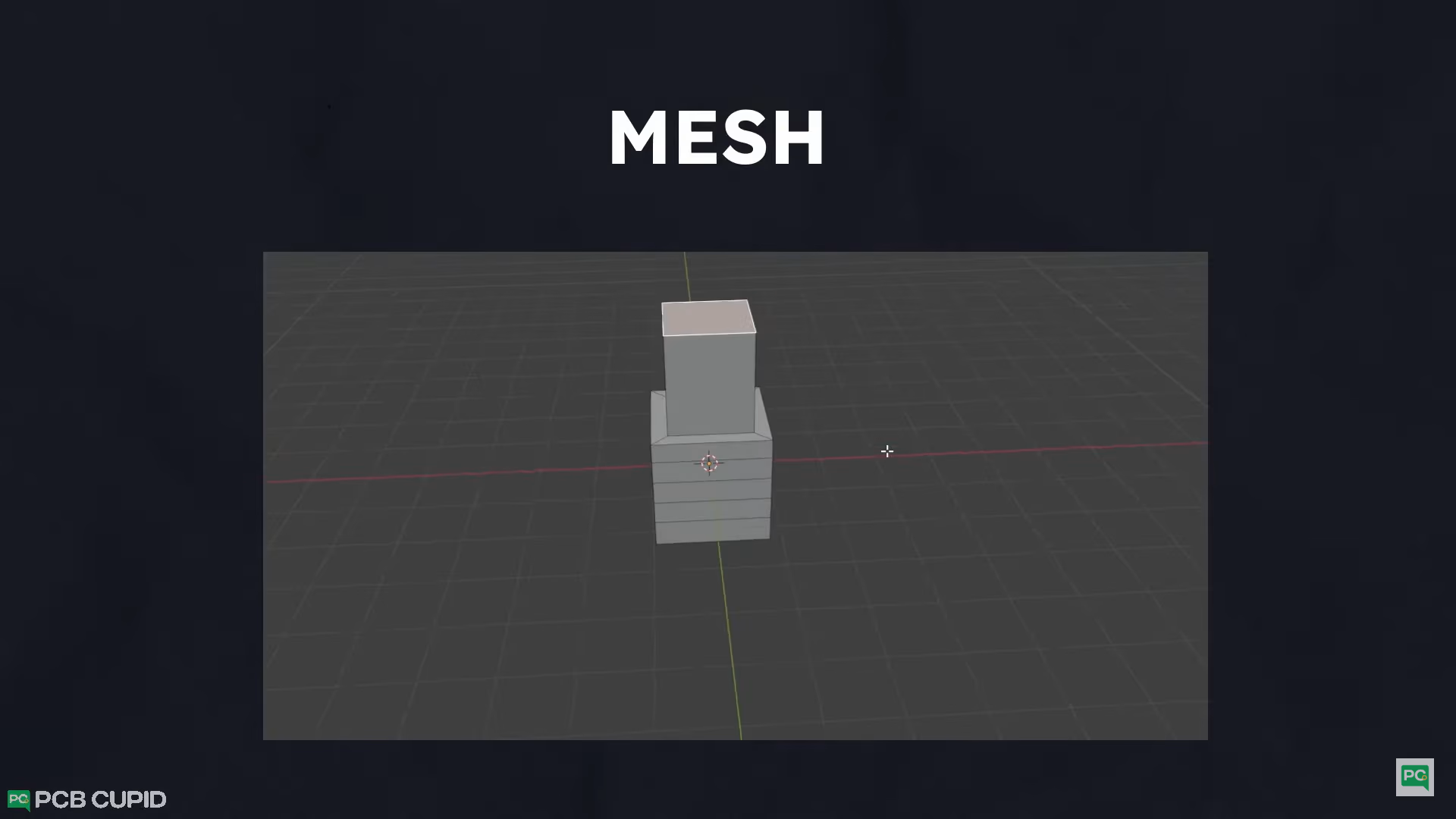
In short, mesh-based programs are like working with clay; you can design in any shape with almost no restrictions, but once you make any changes, there is no way back. A very good example of this type of program would be Blender, Maya or Cinema 4D.
Now, parametric-based modeling tools are very strict engineering-oriented modeling tools that use sketches, dimensions, and constraints to build a 3D model. Which makes fixing mistakes super easy!
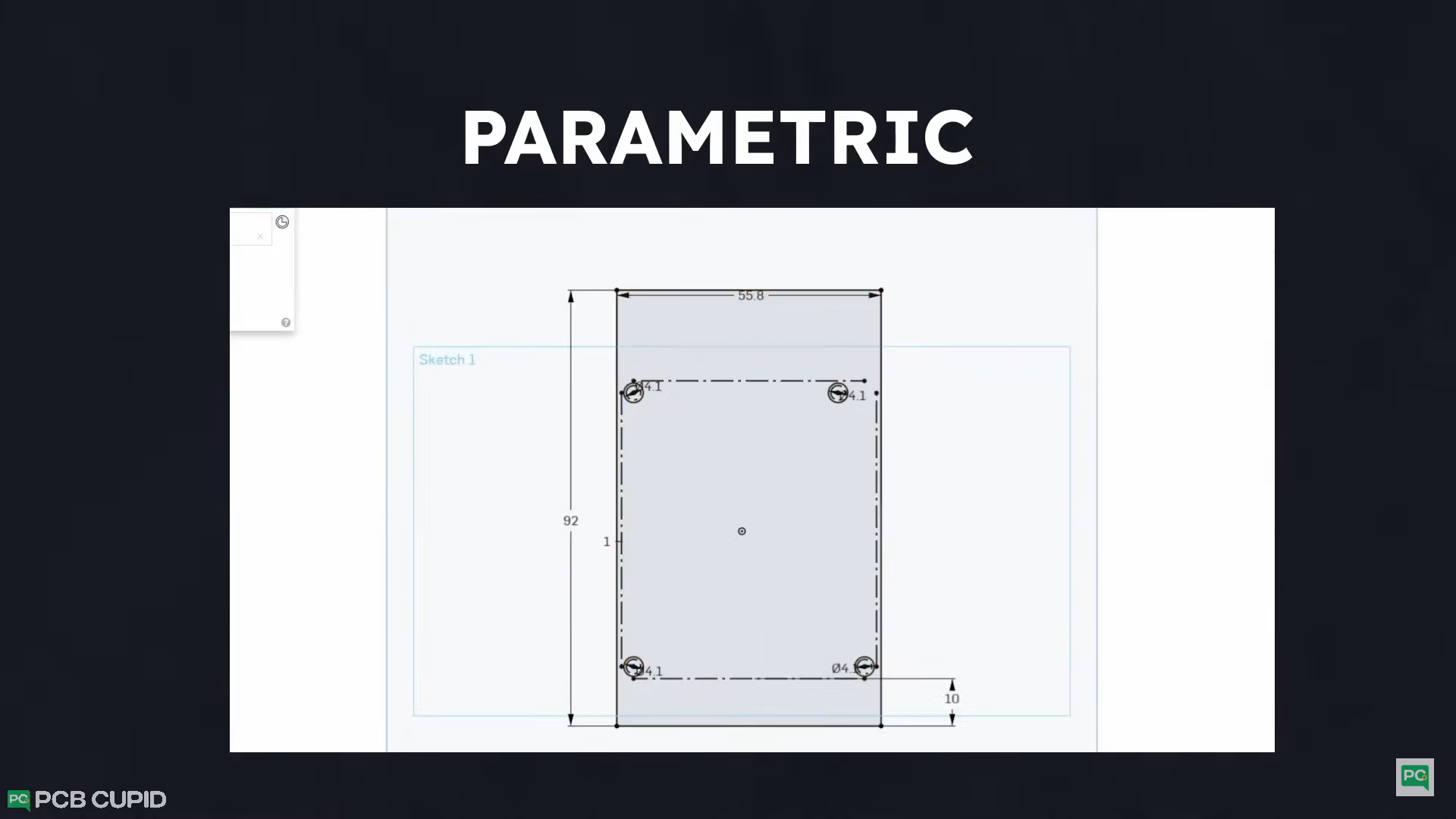
The best examples of these are FreeCAD, Fusion 360 and OnShape.
In PCBCUPID, we love to use open source software, but here, even though we have an option for an open source CAD program like FreeCAD, It has a very steep learning curve for beginners. So, as an alternative, we are going to use onShape. Which is super easy to learn and works on almost any machine with web browser support.
The only catch is that all the designs that you create will be publicly available to everyone. This isn't a big issue in our case since the project is open source, but just be aware if you are working on a personal project.
3D Model
Please watch the below video to understand how to use PCB as reference and build a 3d case around it!